

Your shade, in a few simple steps
- Client
- Merit Beauty
- Industry
- Clean beauty
- Services
- UX and UI design, product design, customer experience design
- Year
- 2025
The brief
Choosing a foundation shade online is hard, and the wrong shade is a common reason for returns. Merit wanted a way to find the right shade that felt as simple and refined as its products.
We designed the Find My Shade quiz on top of Digeo, a third-party shade matching platform, and shaped every step around the customer rather than the technology.
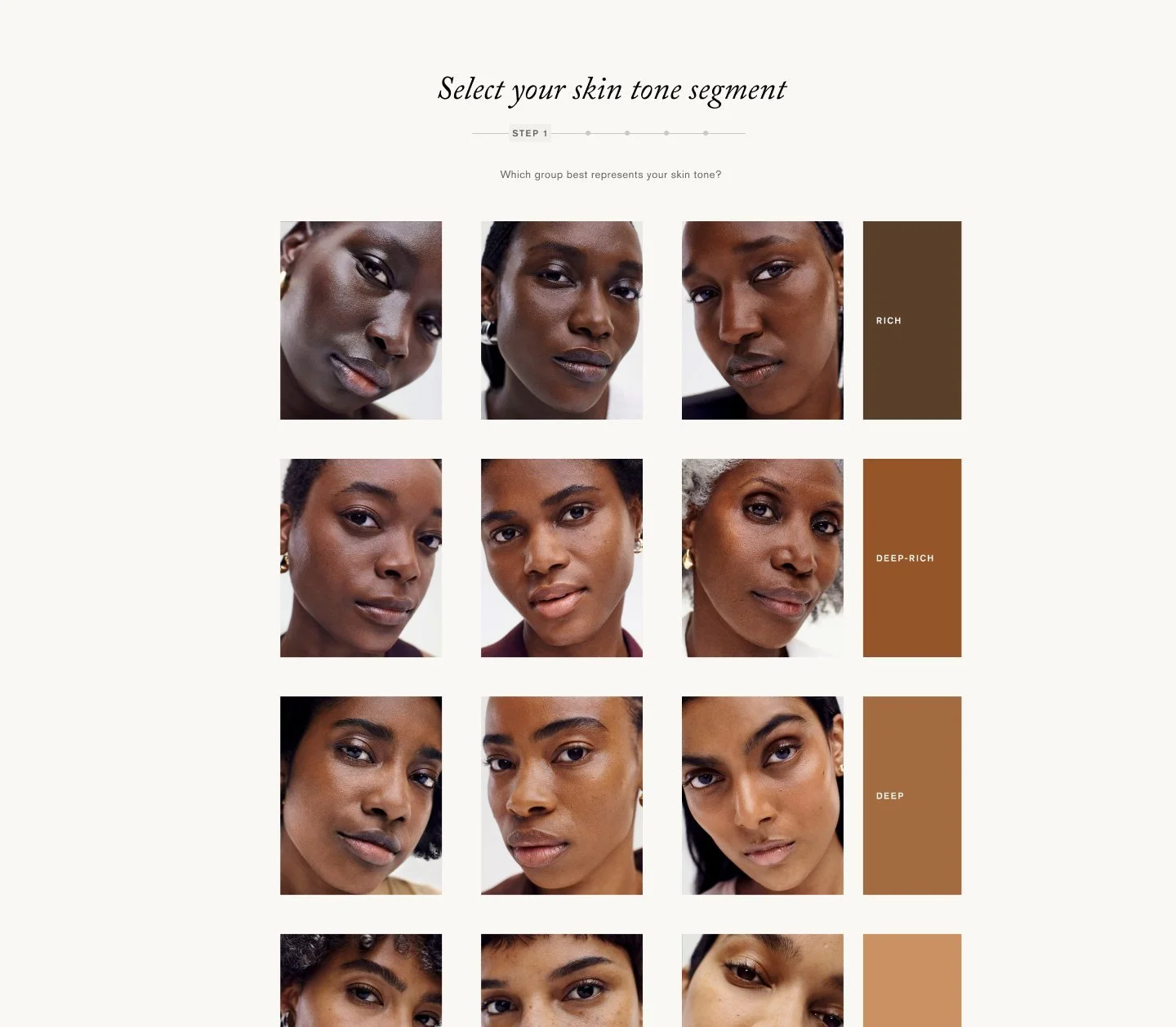
Start with what you see
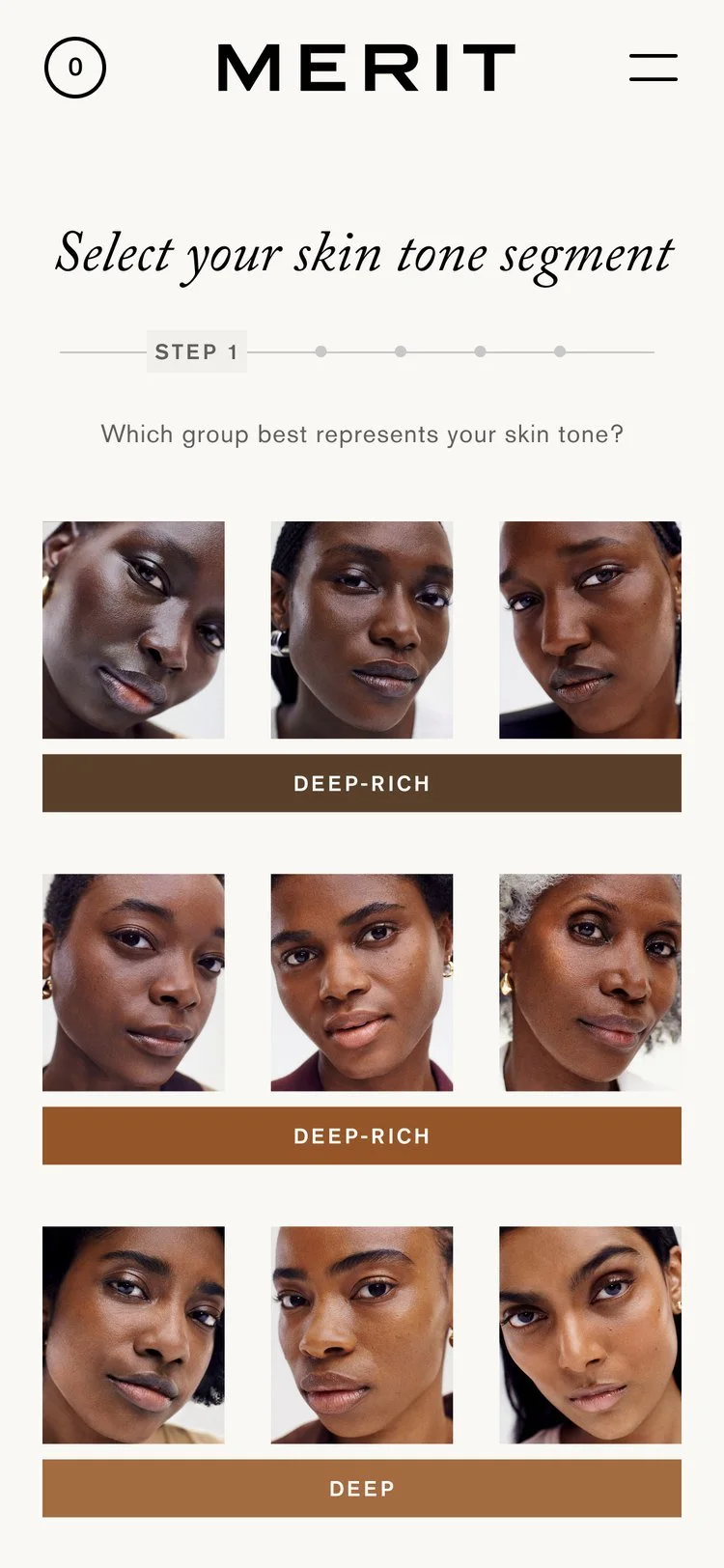
Customers pick the group of faces that looks most like them. Real faces across a wide range of skin tones make the first choice easy and personal.
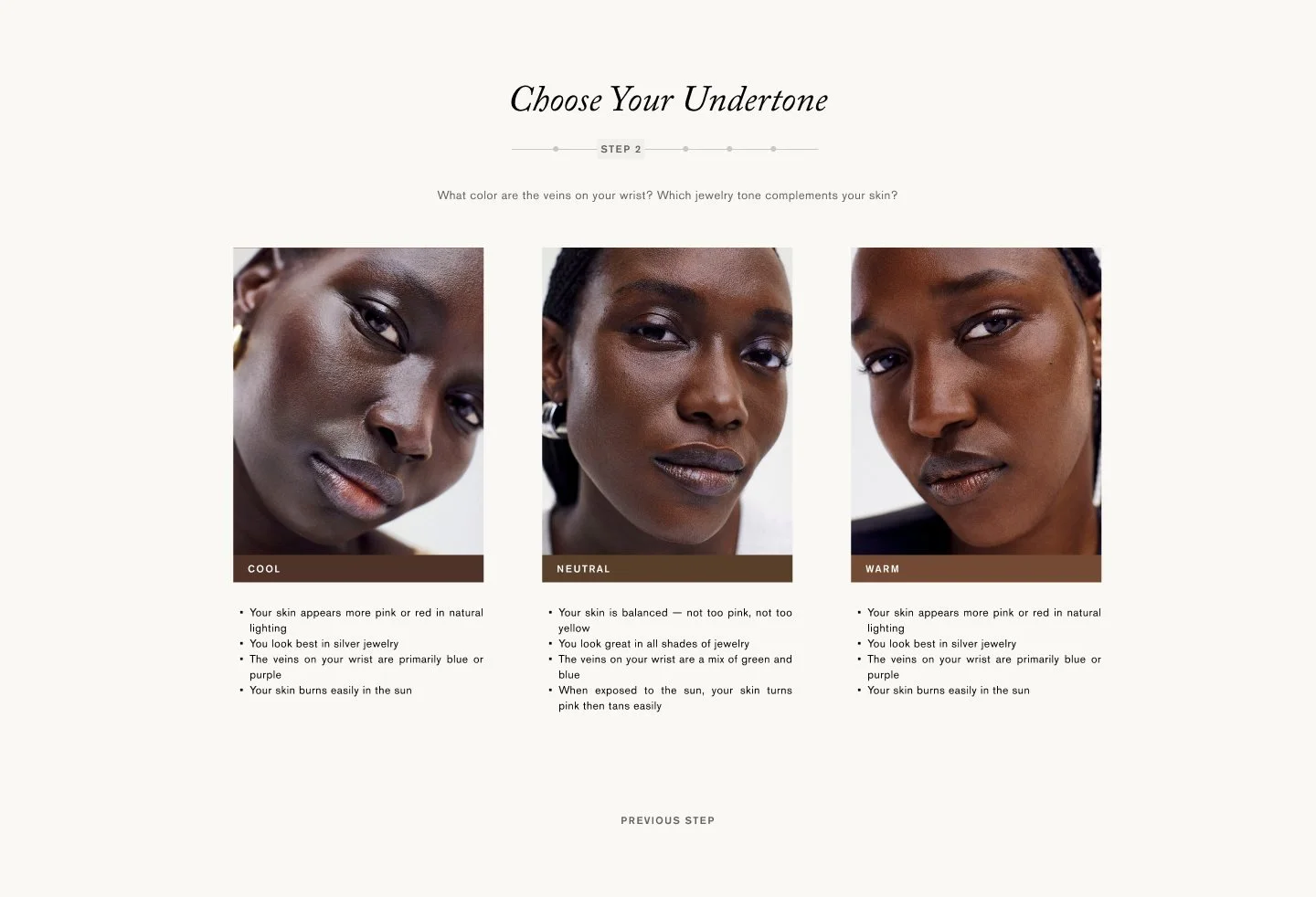
One clear question at a time
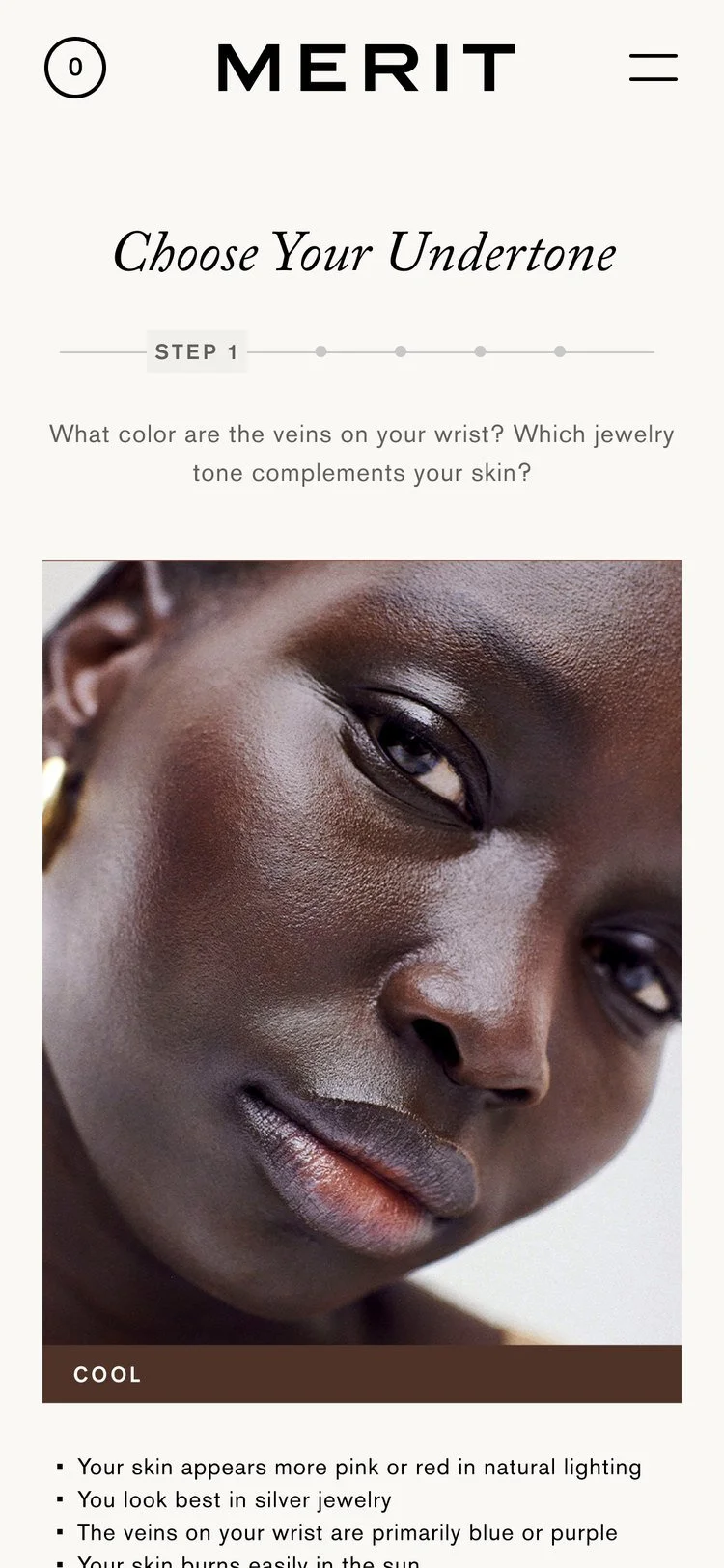
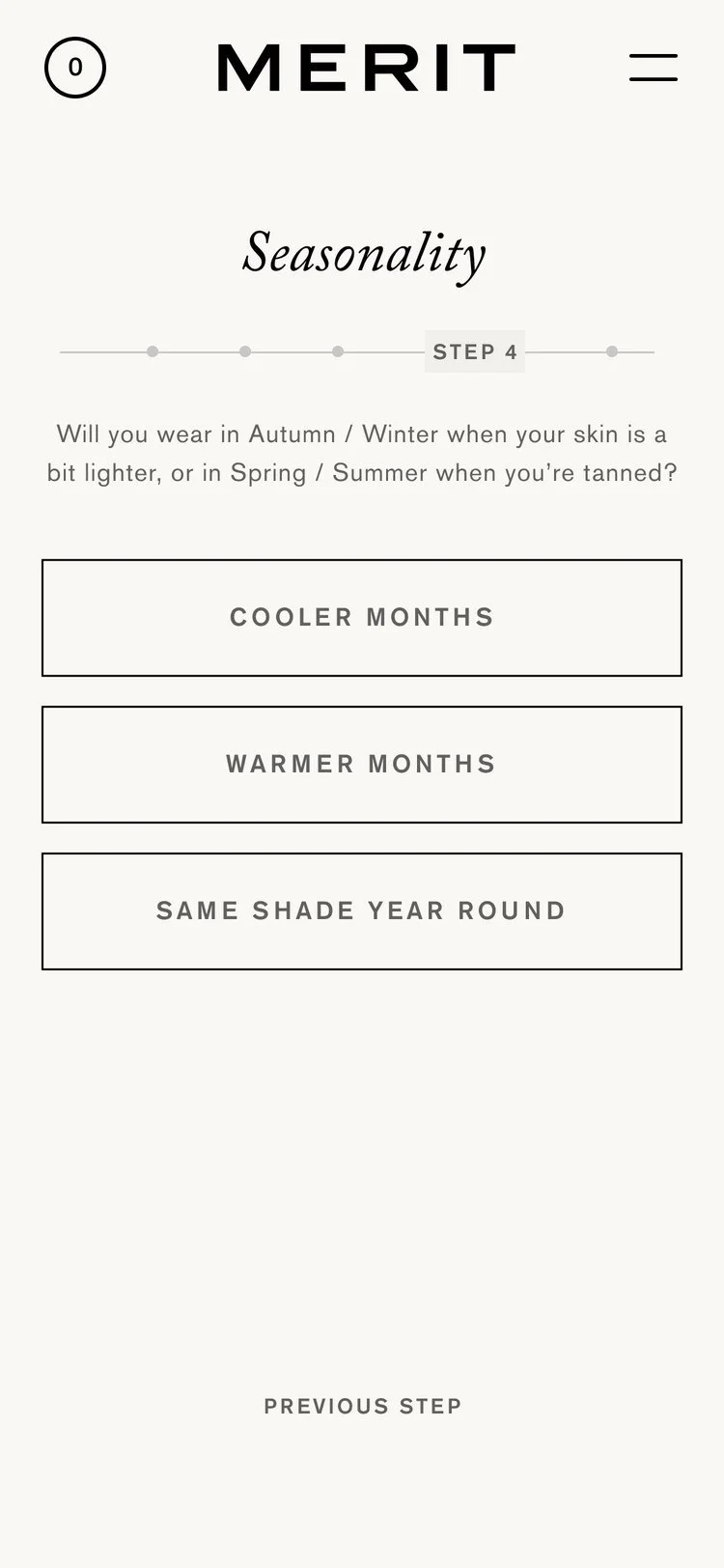
Each step asks one question with a short, friendly prompt, like what colour the veins on your wrist look. A progress bar shows how far there is to go.
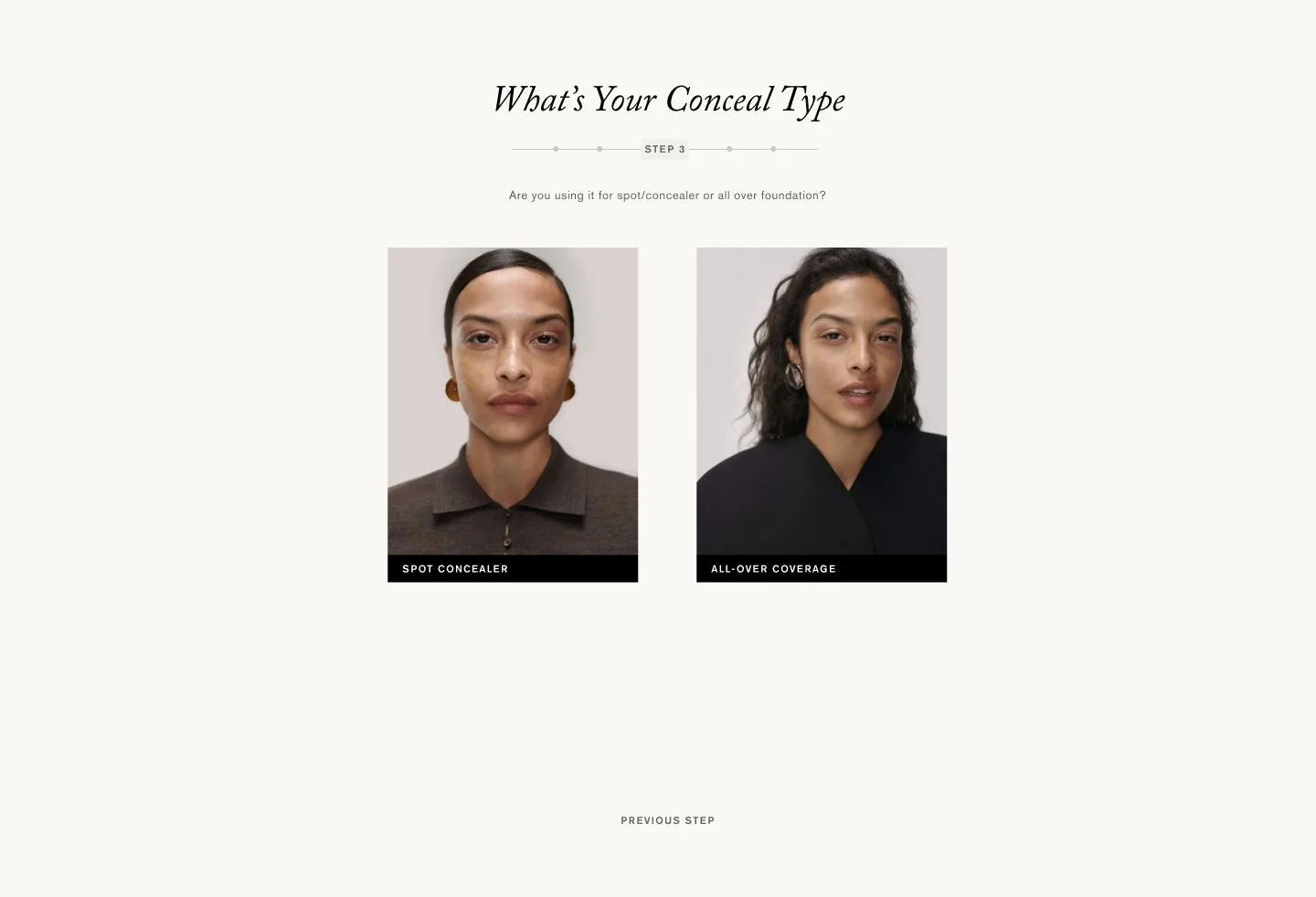
Only what matters
The quiz keeps to a handful of steps, each with large images and very little text, so it never feels like a form.
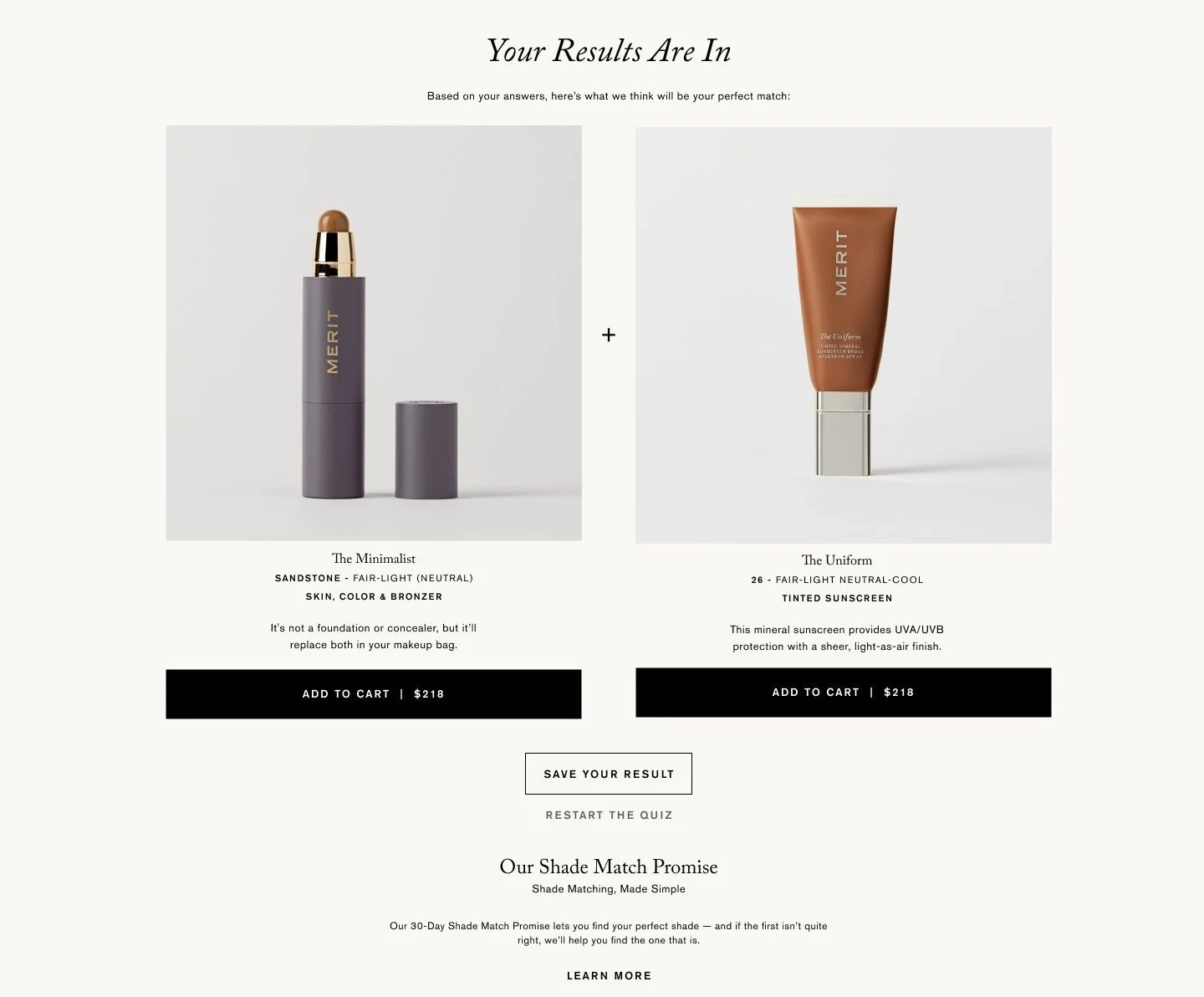
Your results are in
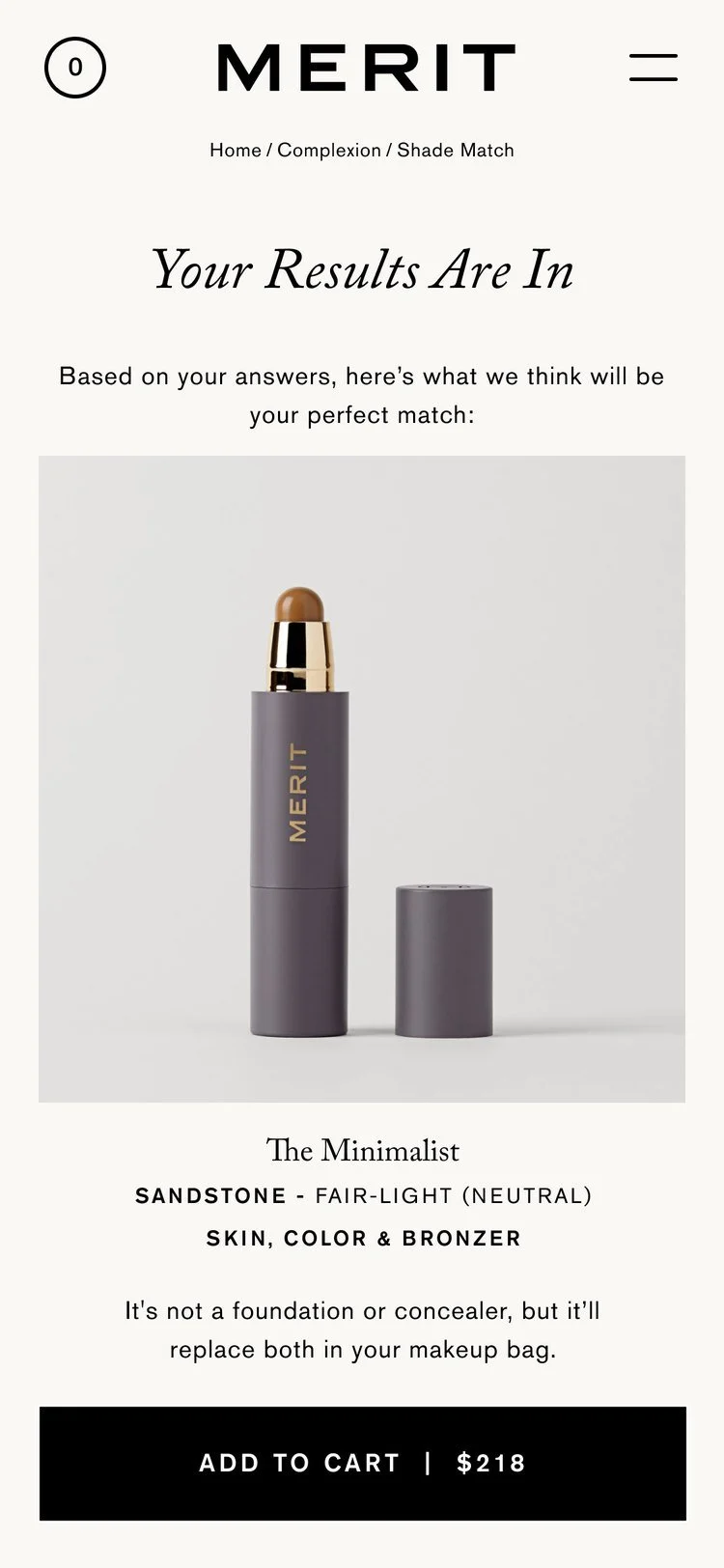
Results pair the recommended shade with the matching product, Merit's 30-day shade match promise and suggested add-ons.

Easy to find, right where you shop
Find My Shade sits in the main navigation and on every complexion product page. Once a shopper has a match, the product page shows their shade and selects it for them, with a link to edit it.
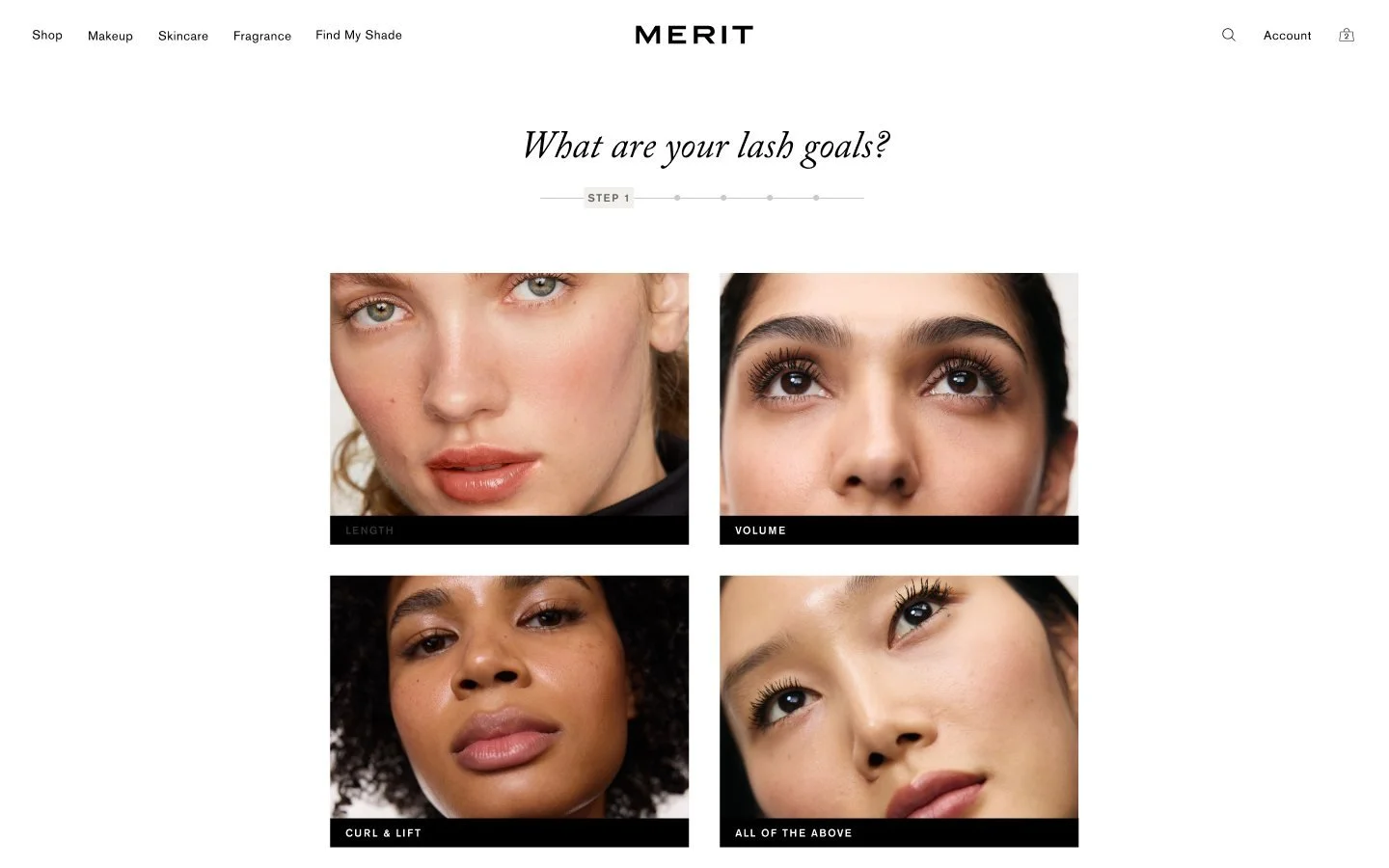
One quiz, extended to mascara
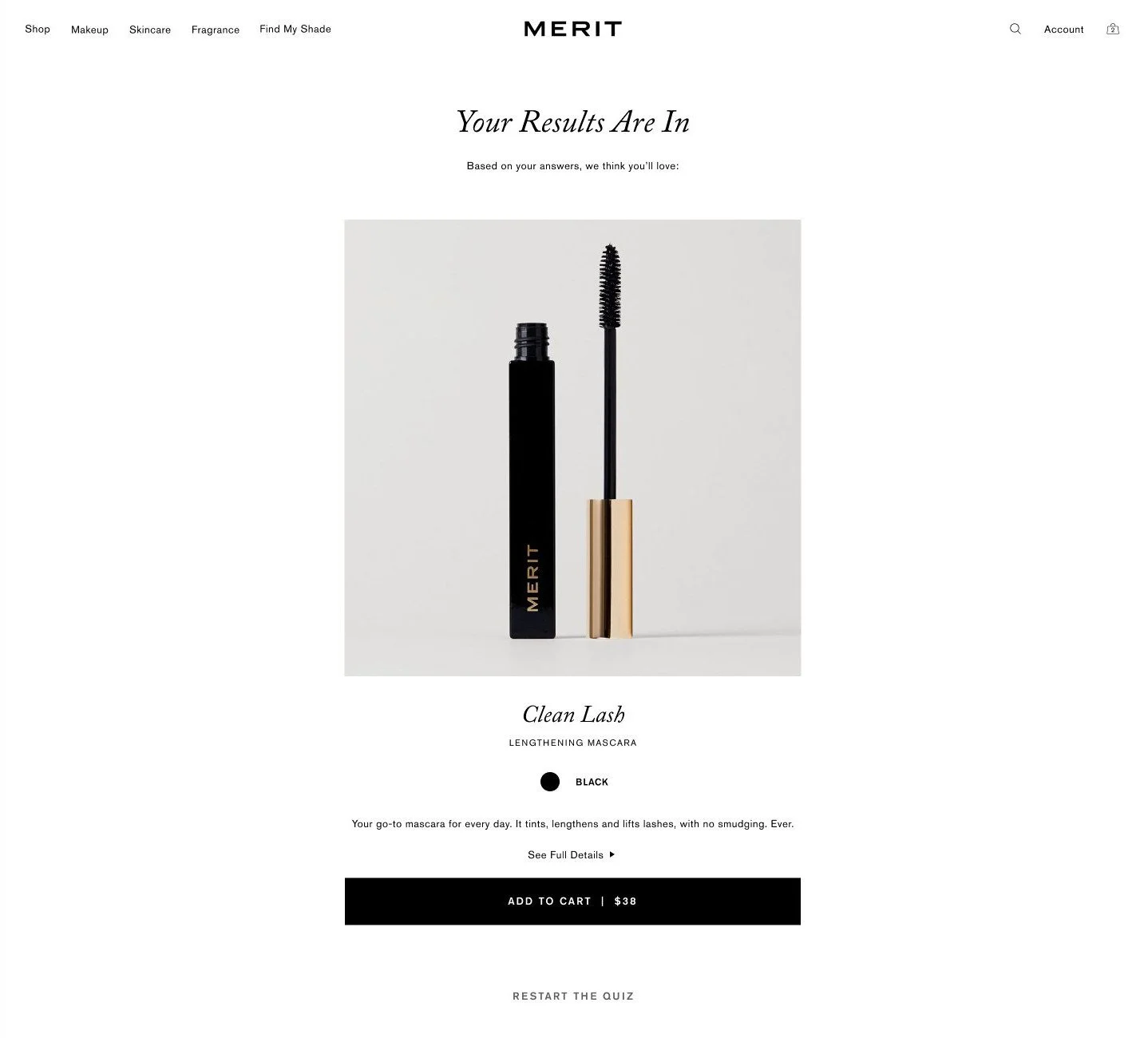
We extended the same quiz system to mascara. Mascara Match asks about lash goals and hair colour, then recommends the right formula with a single add to cart.
Mascara results
Made for the phone
Every step was designed for a phone first, with one question per screen, large tap targets and photos that stay clear at a small size.
Shade matching that feels like advice from a friend.