
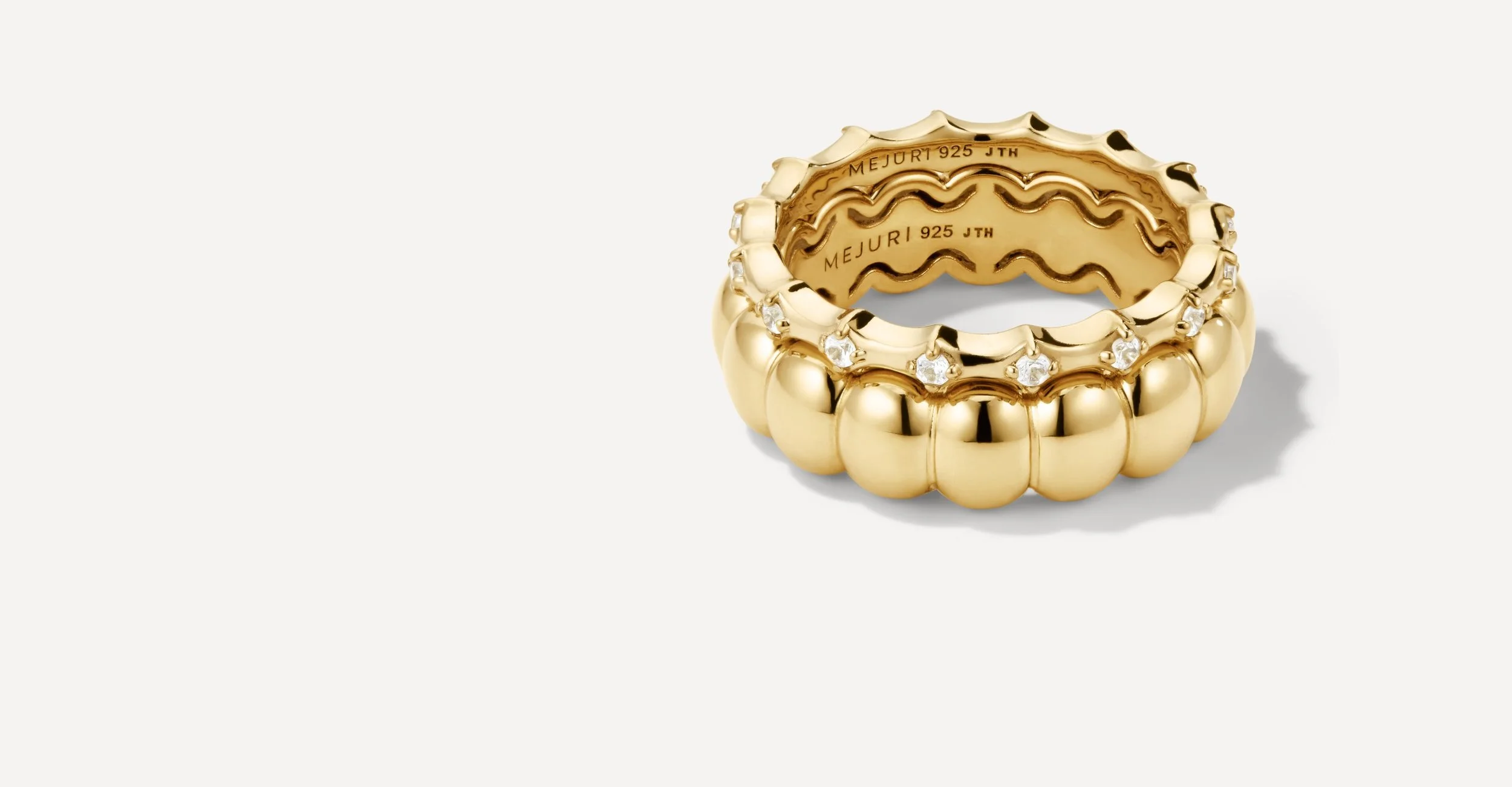
See your stack before you buy it
- Client
- Mejuri
- Industry
- Fine jewelry
- Services
- Stack builder design and build, 3D modelled ring imagery, UX and interaction design, guided shop page design
- Year
- 2025
The brief
Mejuri makes fine jewelry for stacking, but most people shop one ring at a time and have to guess how pieces will look together. That guess is where a three-ring stack turns into a one-ring purchase.
Anna designed The Art of the Stack guided shop, and at its heart, a stack builder, designed and built with 3D modelled imagery, that lets you build your own ring stack, see it come together in real time and add the whole thing to your bag.
See it live on mejuri.comPick the rings, see the stack
Instead of asking shoppers to imagine it, show them. Every ring was 3D modelled, so any combination can be rendered as a single, finished stack. Pick a ring for each position and watch it come together.
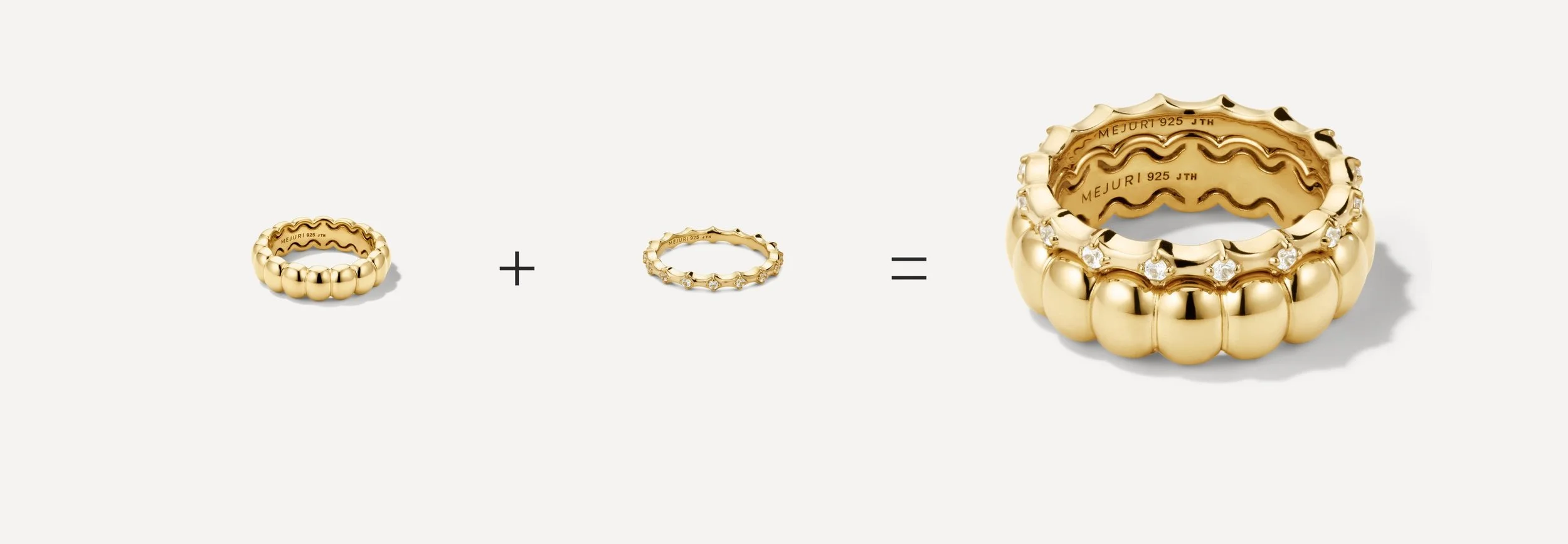
Swipe, swap, stack
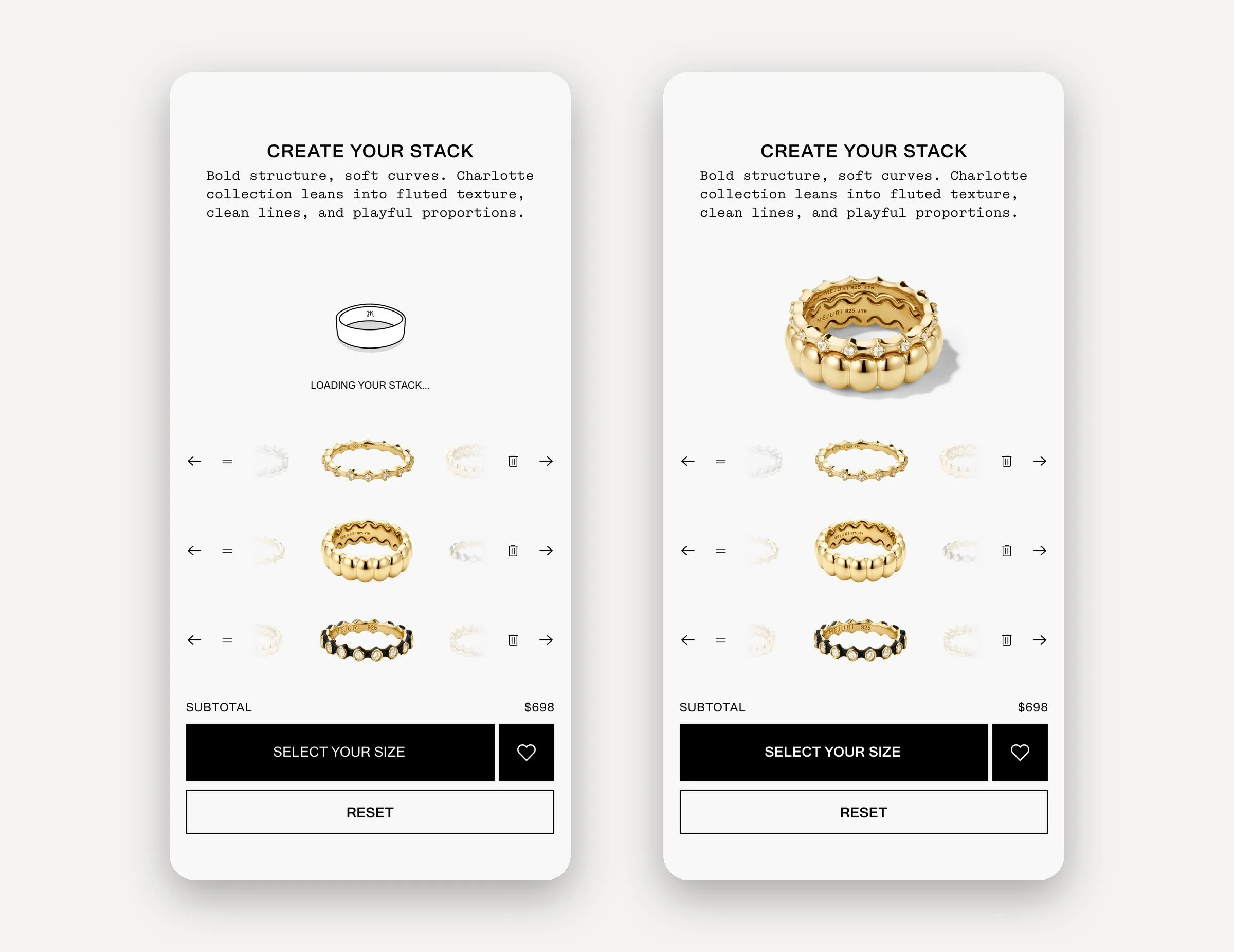
Each row is one position in the stack. Arrows cycle through the rings, a handle reorders them, a bin removes one and an empty slot invites you to add another ring. The preview, subtotal, size selection, wishlist and reset sit together on the right, so the whole decision happens in one view.


Watch it come together
Every change rebuilds the preview. A simple line-drawn ring and a "Loading your stack" message hold the space while the new render loads, so the swap always feels intentional.
One stack, one checkout
Your Stack brings the finished render together with every ring in it. Pick a size for each ring, see the total and add the whole stack to the bag in one tap, or go back and modify it.

The preview leads on mobile
The guide around it
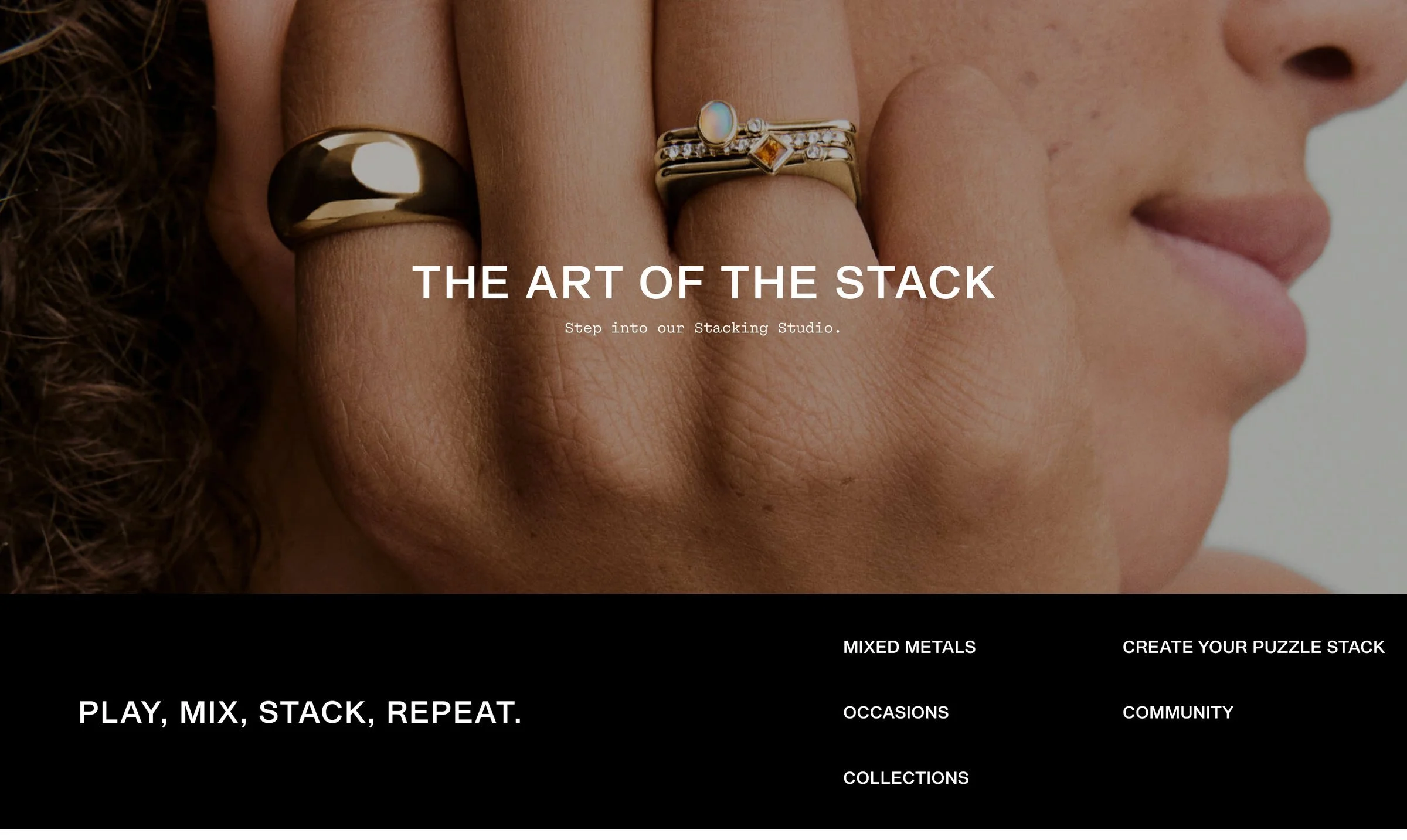
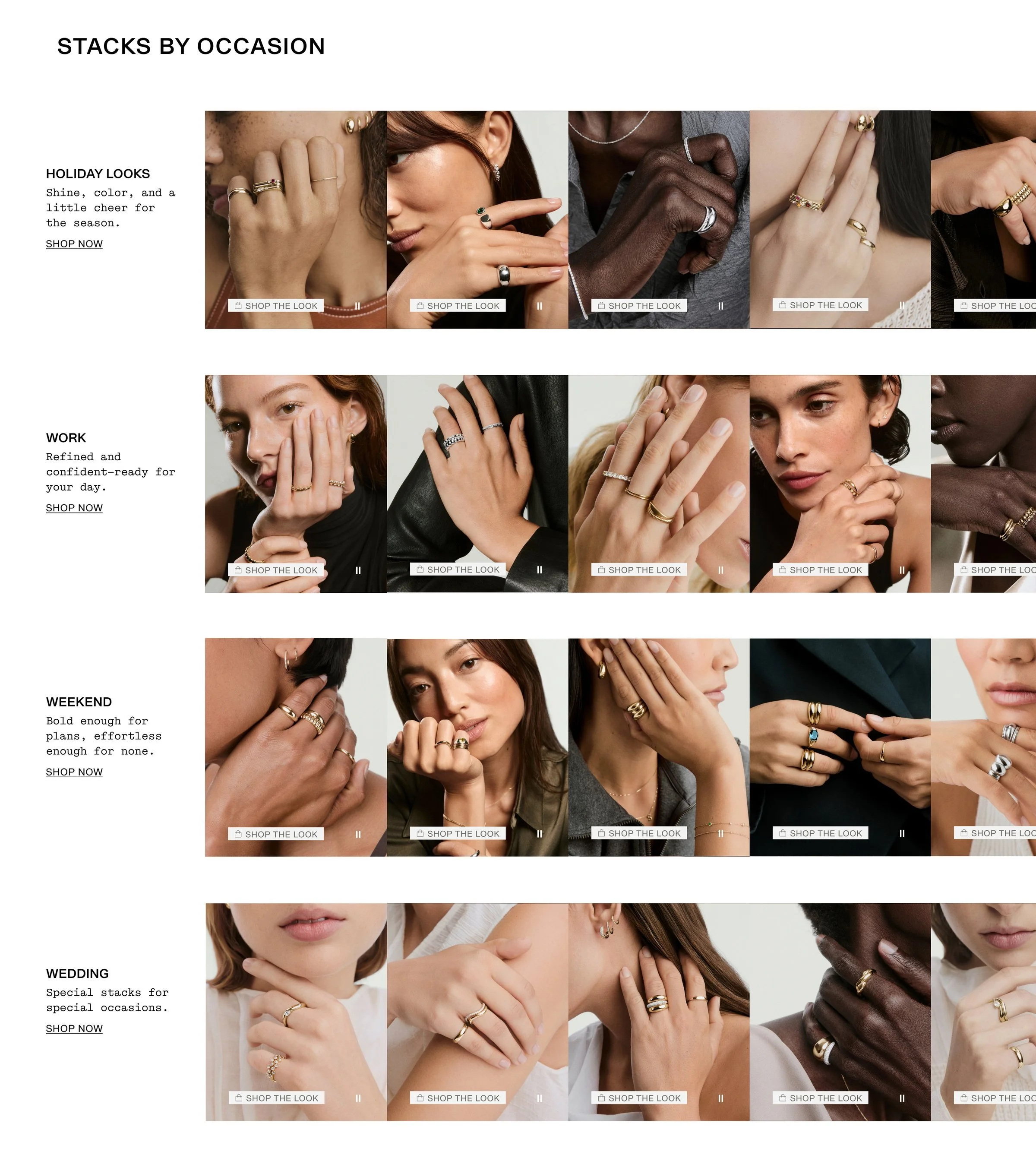
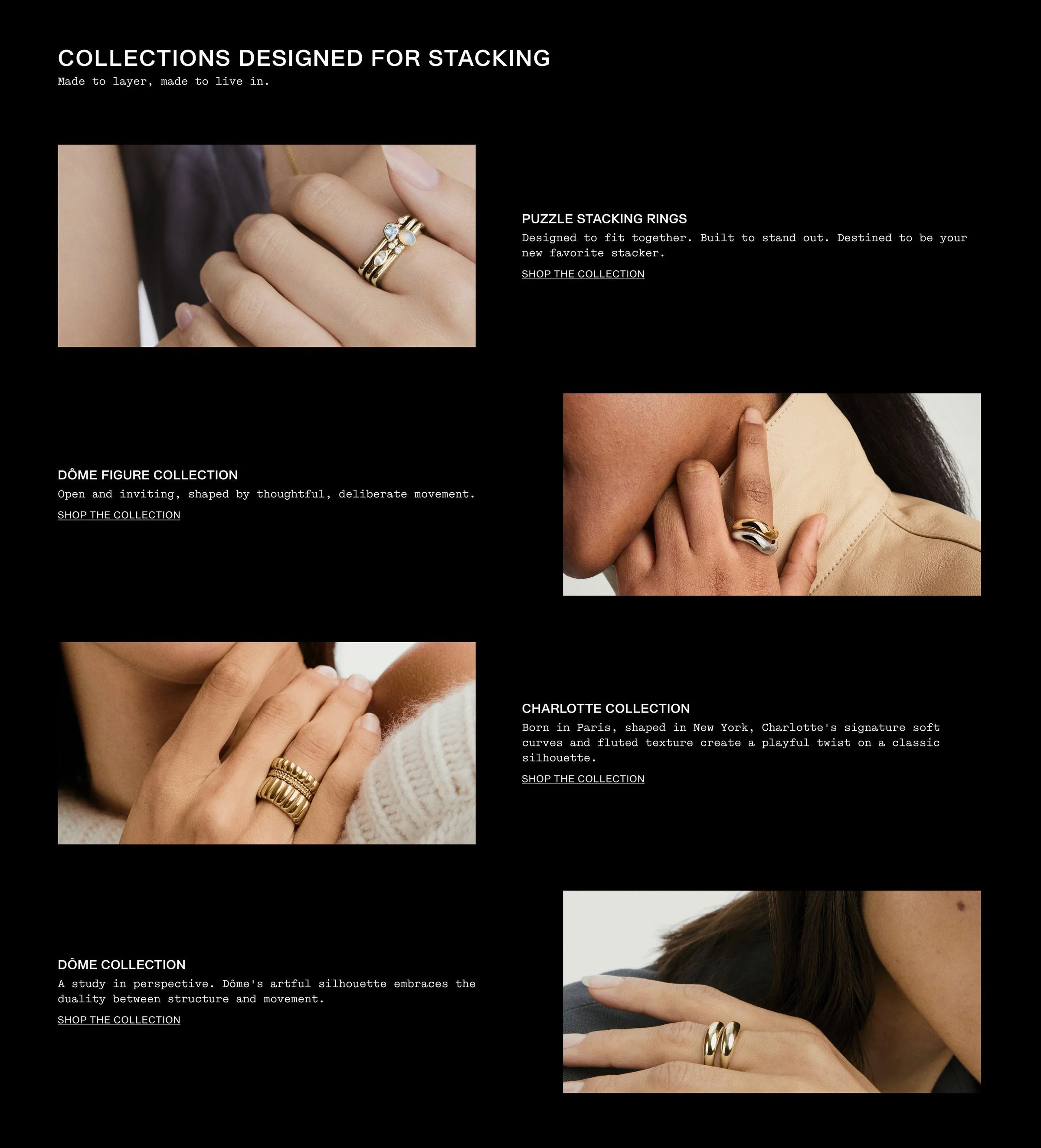
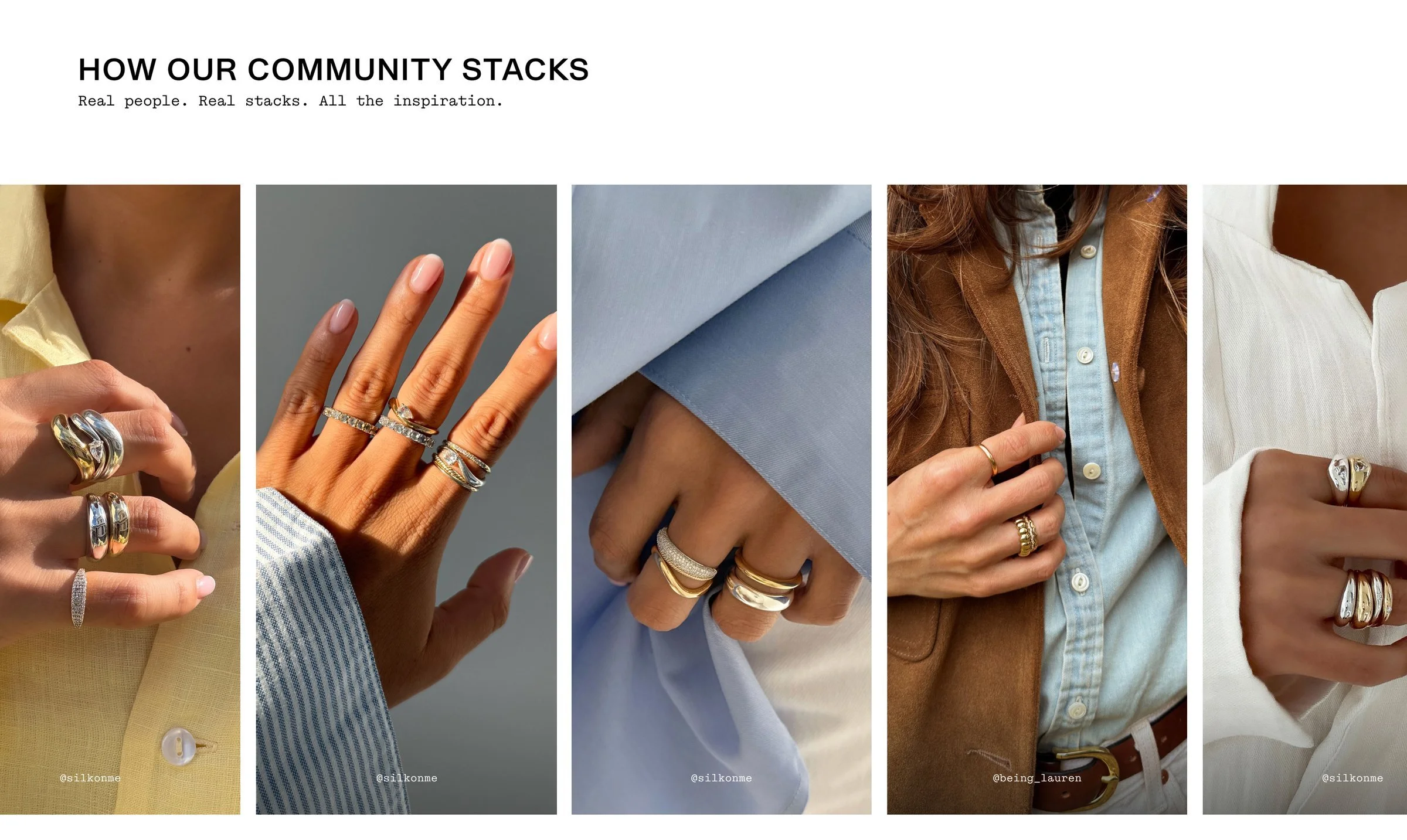
The builder sits inside a guided shop page, also designed by Anna, that gives people ideas before they build: mixed metals, stacks by occasion, collections made to layer and community stacks.
Build it, see it, then shop the whole stack.